Blog / People and Culture Blog
Set Scroll to last saved location after page submit
This document is to set the scroll to last saved location.
Technology and Tool Used :
- Oracle Apex
- Javascripts
Use Case :
If a requirement arise from user to set scroll to the last saved location i.e before page submit a user might be somewhere in the middle of the page and once the page gets submit the cursor by default will go to the top of the page , to prevent this and to bring the cursor to the last spot where the cursor was before submitting the page, this code can be used.
Steps to be followed:
Step 1 : Create a page item in apex screen.
Note : The item can be in hidden state also.
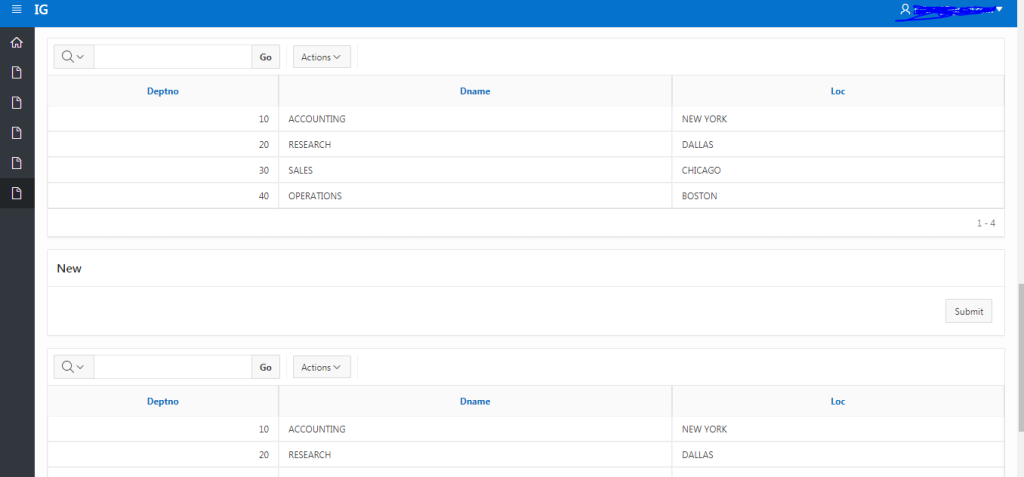
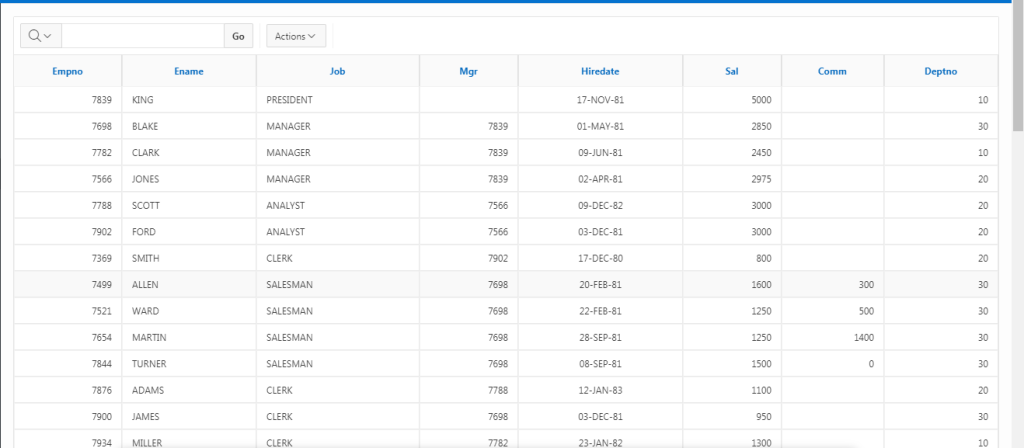
Step 2 : Create multiple report region or any region. The condition is that the page you have must have at least two region.
Note : In my case I have created 4 reports.
Step 3 : Now create a javascript code to capture the last scroll location
function scroll()
{
//var a = $(‘.t-Dialog-bodyWrapperIn’).scrollTop(); //Capture scroll of modal page.
var a = $(window).scrollTop(); //Capture scroll of normal page.
$(“#P7_SCROLL”).val(a); // Here P7_SCROLL is the item used to store the scroll location.
}
Step 4 : Now create a javascript to call the function scroll() before page submit.
To achieve this create a dynamic action before page submit and select execute javascript action.
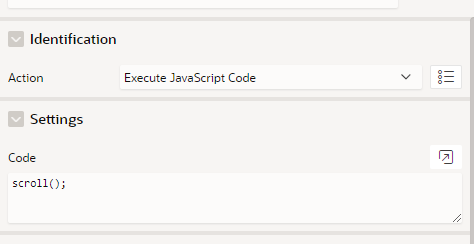
This function will store the scroll location to the page item P7_SCROLL.
Step 5 Now create a Execute Javascript Code on page load
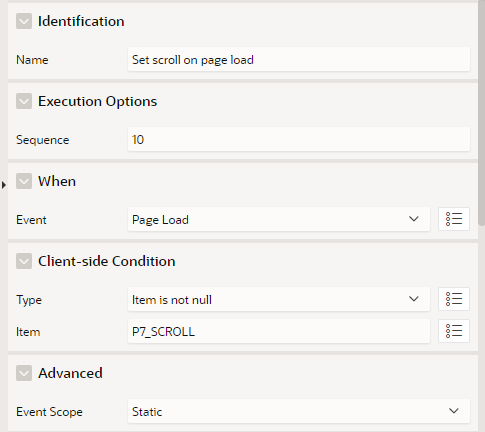
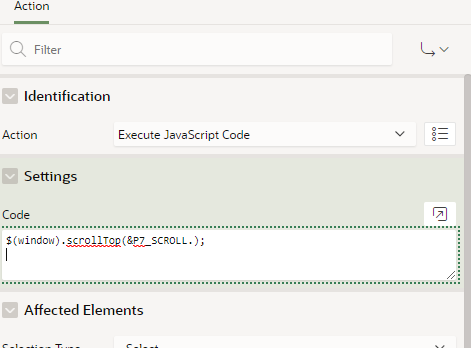
$(window).scrollTop(&P7_SCROLL.); //Set scroll of normal page.
$(‘.t-Dialog-bodyWrapperIn’).scrollTop(&P7_SCROLL.); //Set scroll of Modal page.
Step 5: Now save the page and click submit, after submit the scroll will stay in the last location.