
Blog / People and Culture Blog
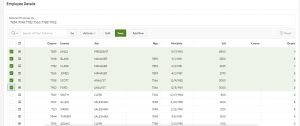
Interactive Grid Selected IDs based on selection
1. Overview
This Document is used to get selected IDs from the Interactive grid based on selection.
2. Technologies and Tools Used
The following technologies have been used to achieve this
- Oracle APEX, JavaScript
3. Use Case
This functionality is used to get selected IDs from the interactive grid and process selected IDs.
4. Steps
Steps:
- Create an Interactive grid. Ex., based on EMP Table
- Create a hidden page item
- Create a dynamic action as below
Event : Selection Change [Interactive Grid]
Action : Execute JavaScript
Code : paste the below code
Fire on initialization : No
var i, i_empids = “:”, i_empid,
model = this.data.model;
for ( i = 0; i < this.data.selectedRecords.length; i++ ) {
i_empids += model.getValue( this.data.selectedRecords[i], “EMPNO”) + “:”;
}
apex.item( “P7_EMPIDS” ).setValue (i_empids);
5. Screenshot
